


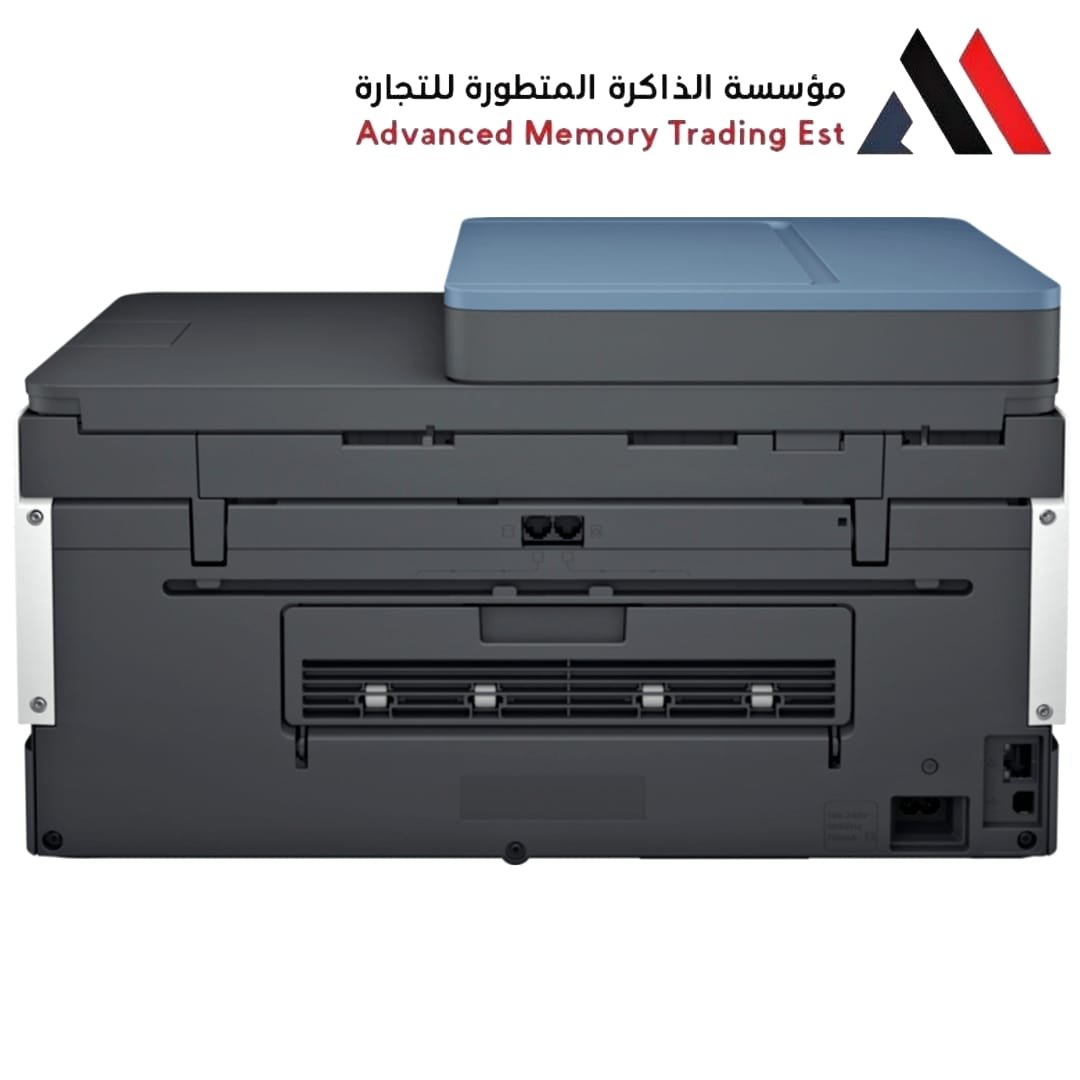

HP Printer Smart Tank 725
The HP Printer Smart Tank 725 All-in-One is a high-volume inkjet printer designed for home offices and small businesses that need to print thousands of pages at a very low cost per page. It stands out in the 700-series lineup for its automatic two-sided printing and high paper capacity.
13
People watching this product now!
Description
HP Printer Smart Tank 725
- Functions: Print, Scan, Copy, and Wireless.
- Print Speed: Up to 15 ppm (Black) and 9 ppm (Color).
- Ink Yield: Includes enough ink in the box to print up to 18,000 black pages or 8,000 color pages.
- Paper Handling: 250-sheet input tray (significantly larger than the 500-series models).
- Duplexing: Automatic two-sided printing (saves paper and time).
- Connectivity: Dual-band Wi-Fi with self-healing, Bluetooth LE, and USB 2.0.
Pros vs. Cons
- Extremely low running costs due to the refillable tank system. Higher upfront cost compared to traditional cartridge printers.
- Automatic duplexing is a rare and welcome feature at this price point. No Automatic Document Feeder (ADF); you must scan pages one by
- one on the flatbed.
- Smart-guided buttons illuminate only when needed to simplify tasks. Slower photo printing compared to dedicated photo inkjets.
- Spill-free refill system makes adding ink very clean and easy. Bulky design compared to compact home inkjets.
How it fits in the HP lineup
- vs. Smart Tank 500 series: The 725 is faster, has a much larger paper tray (250 vs 100 sheets), and supports automatic double-sided printing.
- vs. Smart Tank 750: The 750 adds an Automatic Document Feeder (ADF) for multi-page scanning, which the 725 lacks.
- Target User: It is ideal for someone printing 400–800 pages per month who wants the convenience of a large paper tray and double-sided printing without needing to scan stacks of documents regularly.
Quick Setup Tip
To set up the printer, it is highly recommended to use the HP Smart App on your smartphone or PC. The app provides a “guided setup” with videos showing you how to fill the tanks and install the printheads correctly for the first time.
Reviews (0)
Related products



Reviews
Clear filtersThere are no reviews yet.